Verifies before it installs
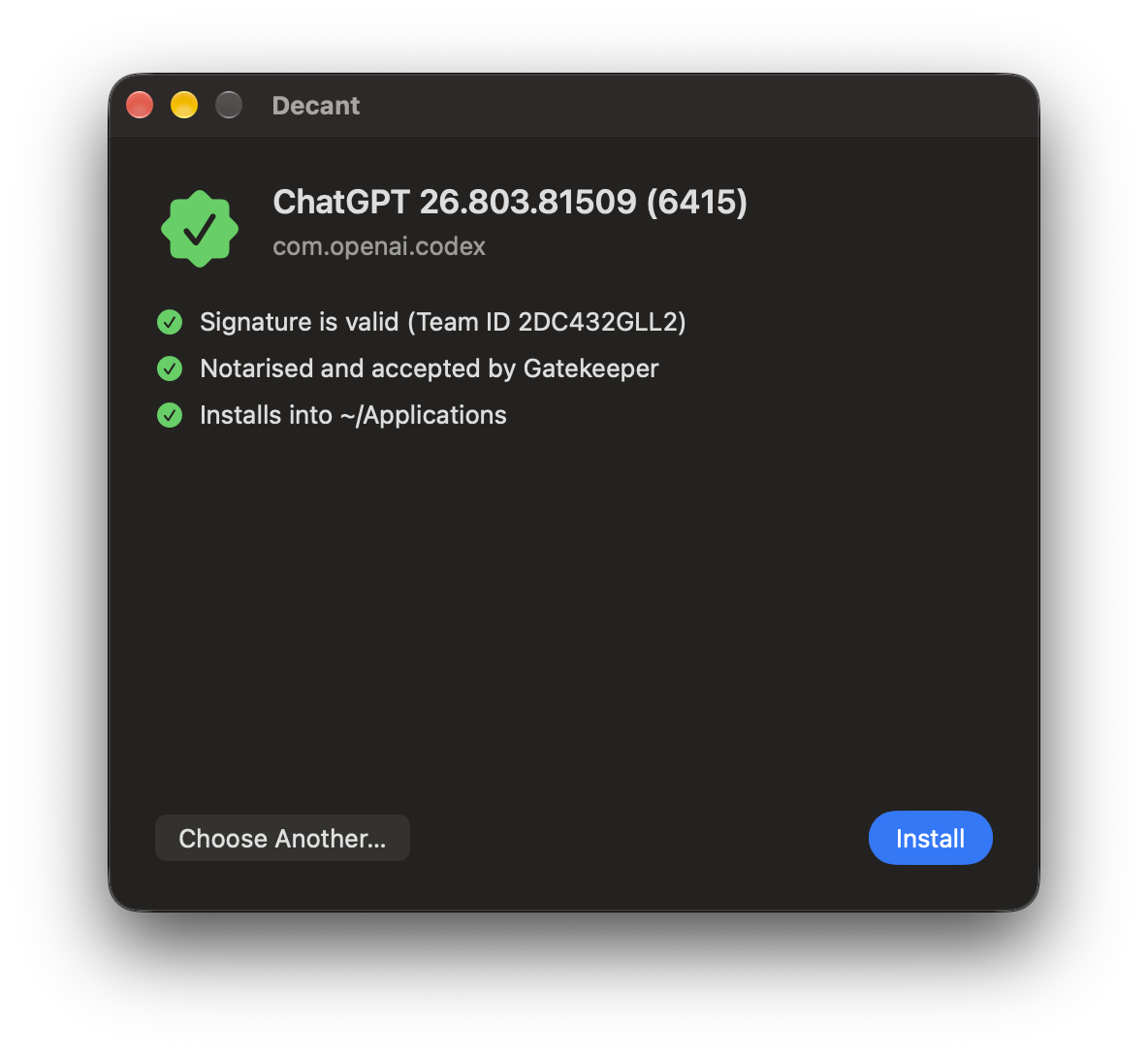
Strict code signature, Developer ID and notarization through Gatekeeper, and an optional pinned Team ID and bundle ID. Ad-hoc and unsigned apps are refused.
App installs for managed Macs
On a fleet of locked-down Macs, "drag it to Applications" is a queue of
tickets, or an afternoon repackaging someone else's app. Decant does the dragging: hand it
the vendor's disk image from your MDM and it checks the app, then installs it into the
signed-in user's ~/Applications. Nobody needs admin rights.
The disk image goes in unchanged. No repackaging, no wrapper scripts.
Each app lands in the user's ~/Applications, owned by them.
Developer ID, notarized, one app and nothing else. Or nothing.
Security
Because "it was on the vendor's website" isn't a security policy.
Strict code signature, Developer ID and notarization through Gatekeeper, and an optional pinned Team ID and bundle ID. Ad-hoc and unsigned apps are refused.
If Gatekeeper is switched off, or a local rule waved the app through, nothing proves notarization, so Decant refuses. A Team ID only counts if Apple issued the certificate.
All checks run on a root-owned staged copy, which is then swapped in atomically. Symlink tricks and races in the user's folder can't redirect root's writes.
Exactly one app and nothing else that runs. A .pkg in disguise, an
"Install Foo.app", a helpful script: all refused, with nothing changed.
Downgrades are refused. Editing the version number in Info.plist won't keep
an old, vulnerable copy around, however creative the user is.
Settings come from a managed profile that users can't change. Root-owned, non-writable files only.
Deploy
No repackaging, no wrapper scripts to babysit, no "can you just make me an admin?"
One signed, notarized .pkg installs /usr/local/bin/decant,
Decant.app and the update daemon. Don't want the app? decant-cli.pkg leaves
it out, and updates keep it that way.
The sample .mobileconfig sets secure defaults. Adjust what you need.
Point it at the vendor's download URL and Team ID. The DMG goes in unchanged.
$ decant install Example.dmg --expect-team-id ABCDE12345
RESULT updated exit=0: Updated Example.app from 1.2 to 1.3 at /Users/alex/Applications/Example.app
$ decant install Example.dmg --expect-team-id ABCDE12345
RESULT unchanged exit=0: Example.app 1.3 is already installed--all-users installs a separate,
separately verified copy for each account.sudo decant uninstall removes the
tool, the app, the daemon, the logs and every user's settings.The app
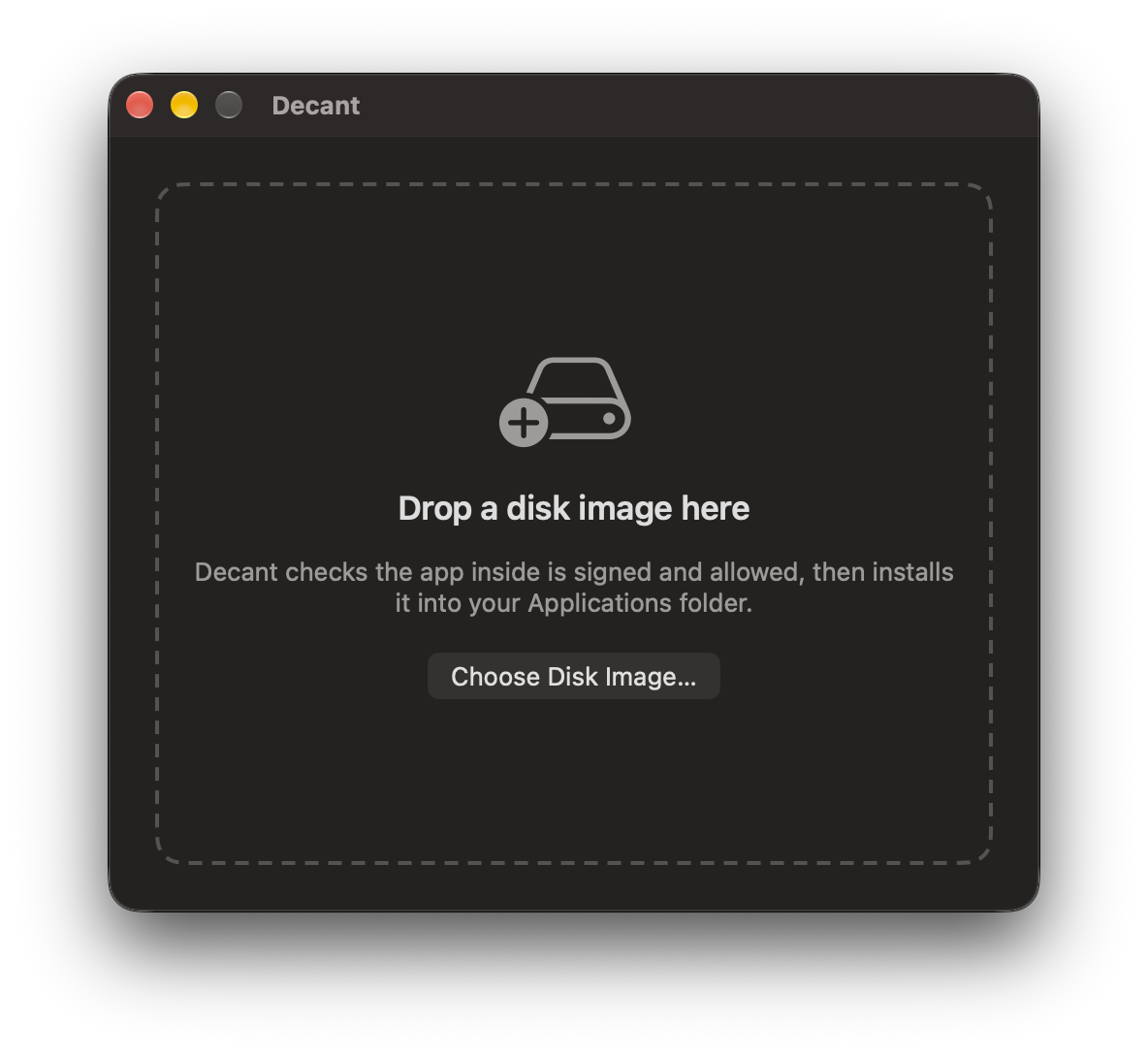
For people who'd rather not raise a ticket to install a PDF reader.
Or use Open With in Finder.
Every check runs first. The app's name, version, Team ID and destination are shown. If anything fails, it says why and changes nothing.
The button only appears when every check has passed. Decant installs the exact app it checked, even if the DMG changes underneath it.
AllowUserInstalls to
false and only your MDM can install. Decant.app tells users it has been
disabled by their administrator and quits. It also leaves the menu bar and stops opening
at login. Your scripts run as root, so they still install for whoever is signed in.It installs drag-and-drop apps. It isn't magic. Apps installed into
~/Applications are writable by the user. Apps with system extensions, privileged
helpers or a fixed /Applications path should still be deployed as packages. The
README covers the trade-offs in full.

Free and open source under the Apache License 2.0.